Maverix Desk for car-lease brokers
Quote faster.
Close more.
All in one desk.
Dealer pricing, lender programs, live payment math and a CRM built for leasing, in one clean online dashboard. Work a deal in seconds from your desk or your phone.
One flow
From price sheet to signed deal.
Every step that used to live in a different spreadsheet, calculator and inbox now happens in one place, in order.
Matrix
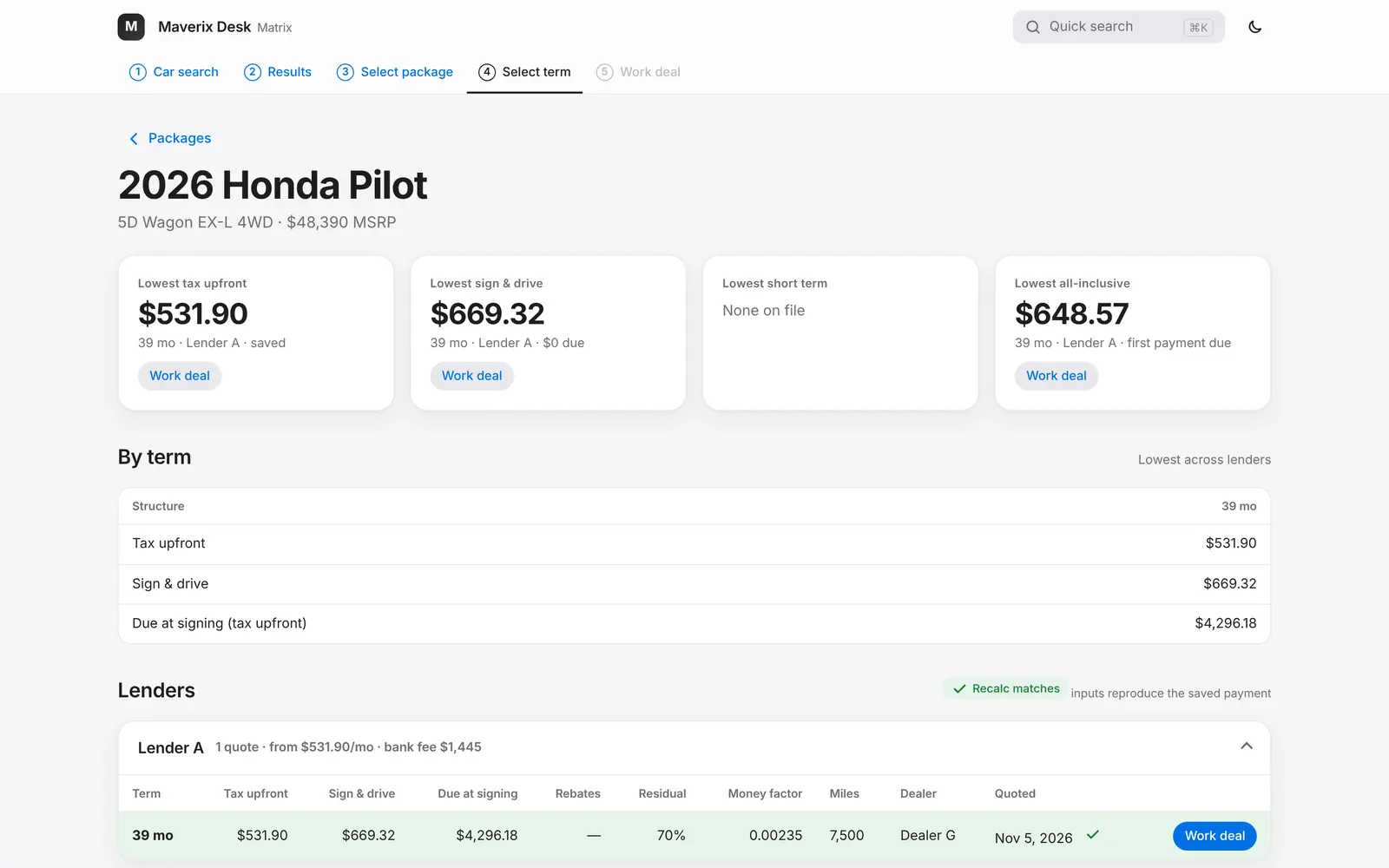
Work any deal in five steps.
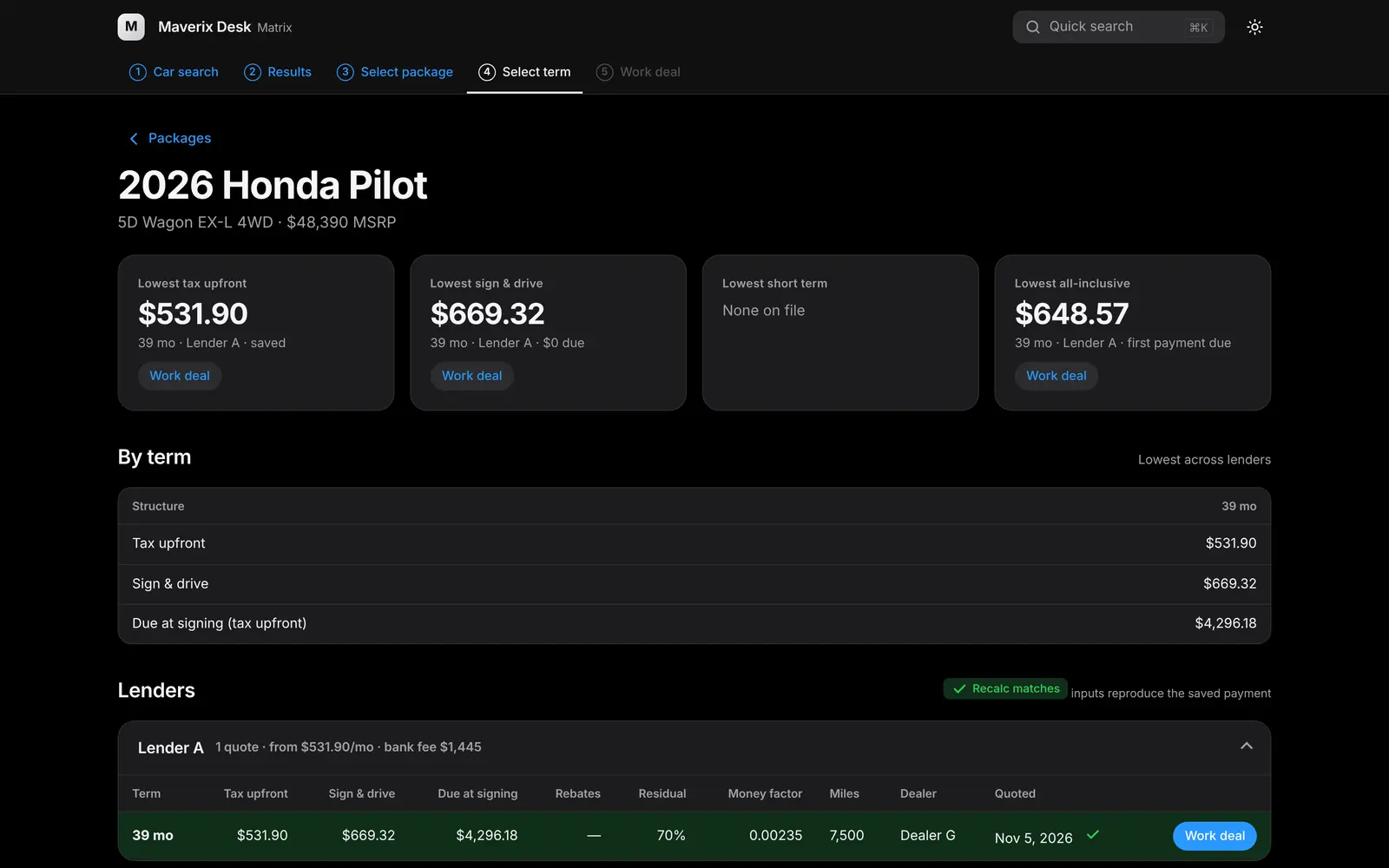
Search a car, pick the package and term, then work the deal. Every number comes from a saved quote or a dealer price sheet, and every payment recalculates on each keystroke.
- Six payment structures side by side: tax upfront, tax included, tax and bank included, first payment due, sign and drive, and one-pay
- Enter a target monthly and Matrix solves the profit for you
- Warnings for a money factor that looks like an APR, a residual out of range, or negative profit
- Quick search from anywhere with Command-K
- No lender program on file? It says so instead of guessing a payment
Try it
Move a number. Watch the payment.
This is the same lease math Matrix runs, on a sample 39-month deal. Drag profit or the money factor.
Sample deal for illustration: MSRP $48,390, cost $47,188, 70% residual, 7,500 miles a year, 8.875% tax, $1,445 bank fee, $350 DMV.
Lenders and rebates, matched
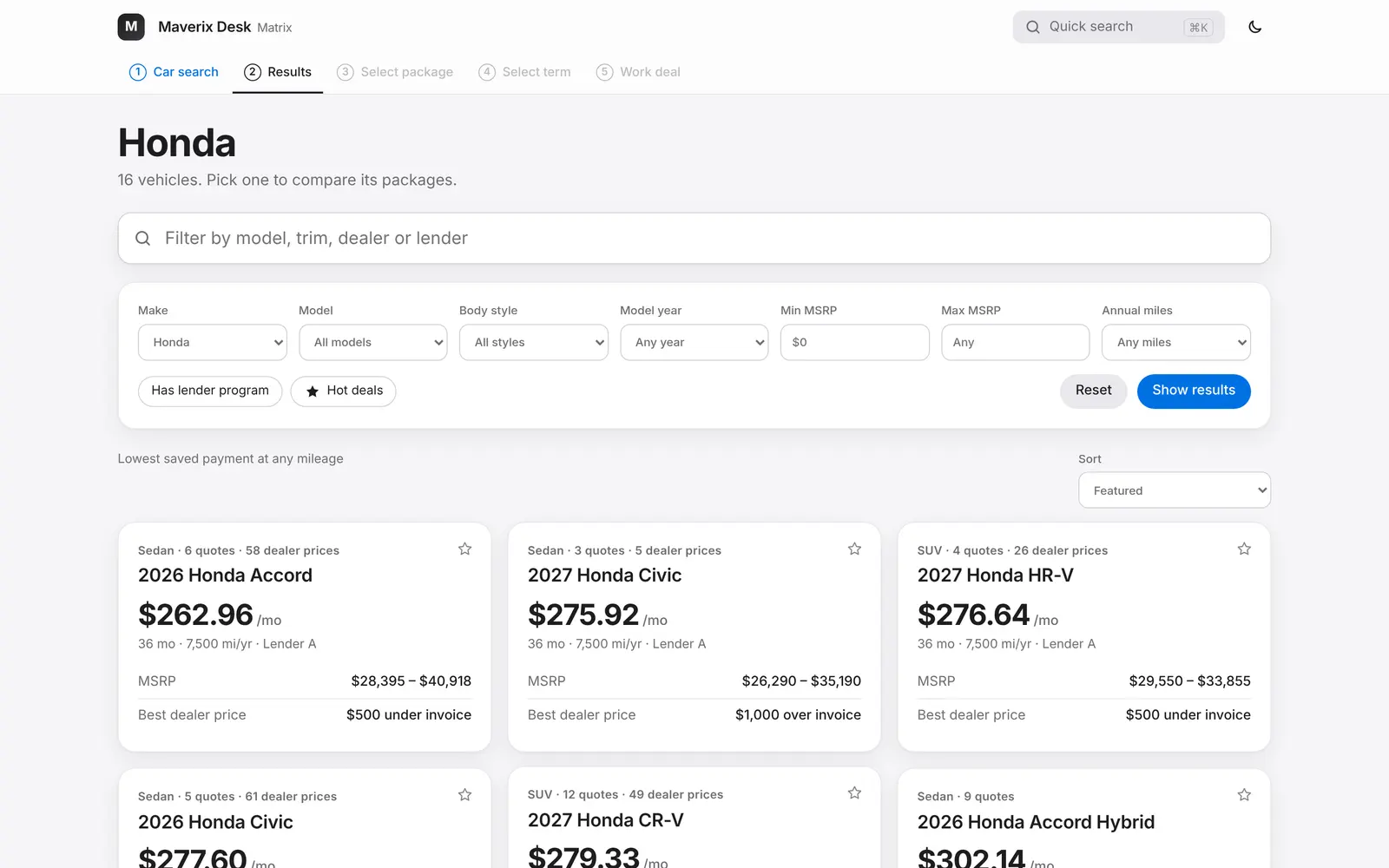
Each car shows the lender programs on file with their rebates, conditional ones clearly marked, so you know which payment the customer actually qualifies for.
Monthly payments in the results
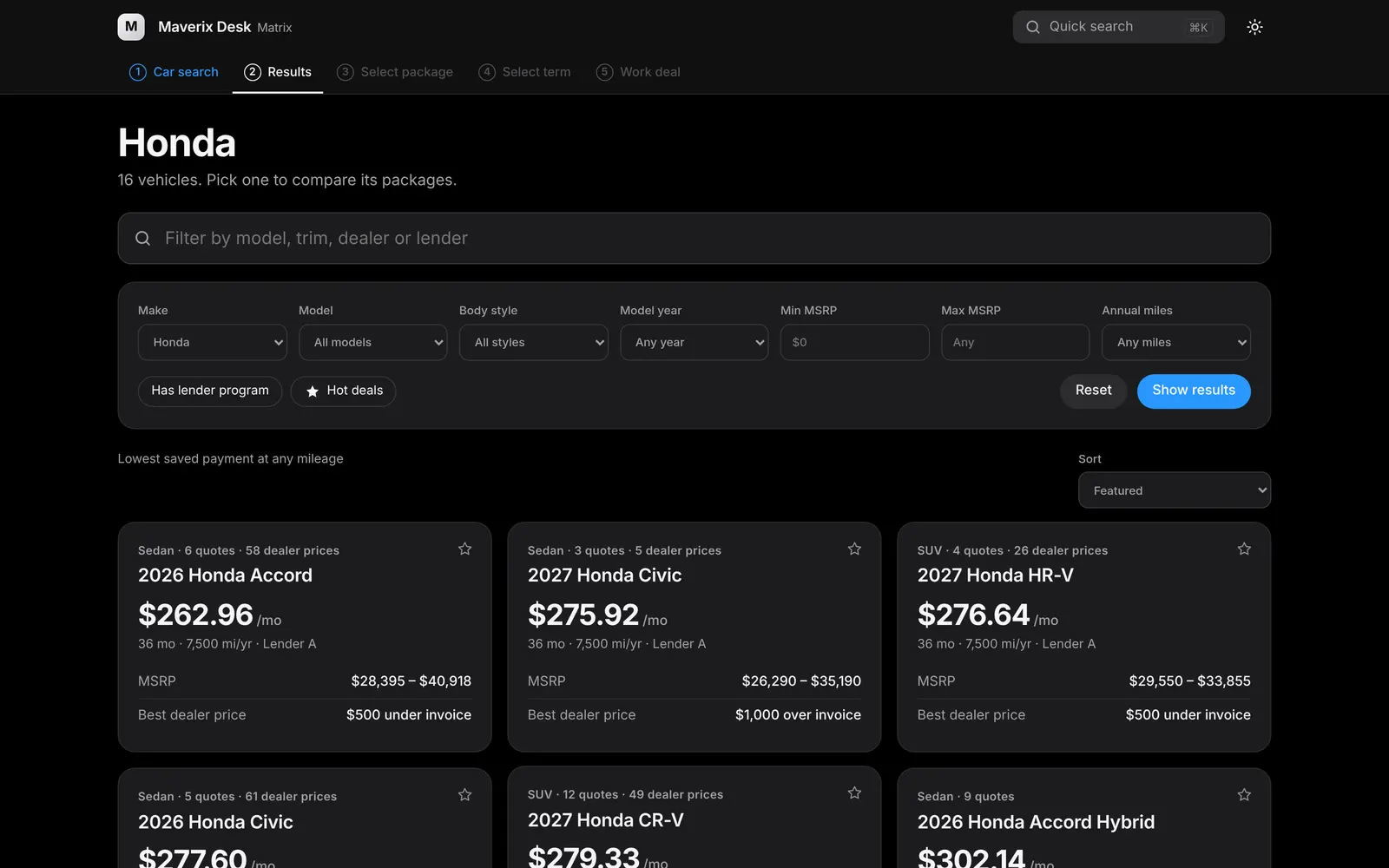
Browse by make and every model card shows its lowest saved payment, MSRP range and best dealer price for the month.
Live inventory, priced per dealer Rolling out
Search live inventory with monthly payments from each dealer's own pricing and the lenders that dealer works with, then tap a car to work the deal.
Workbooks
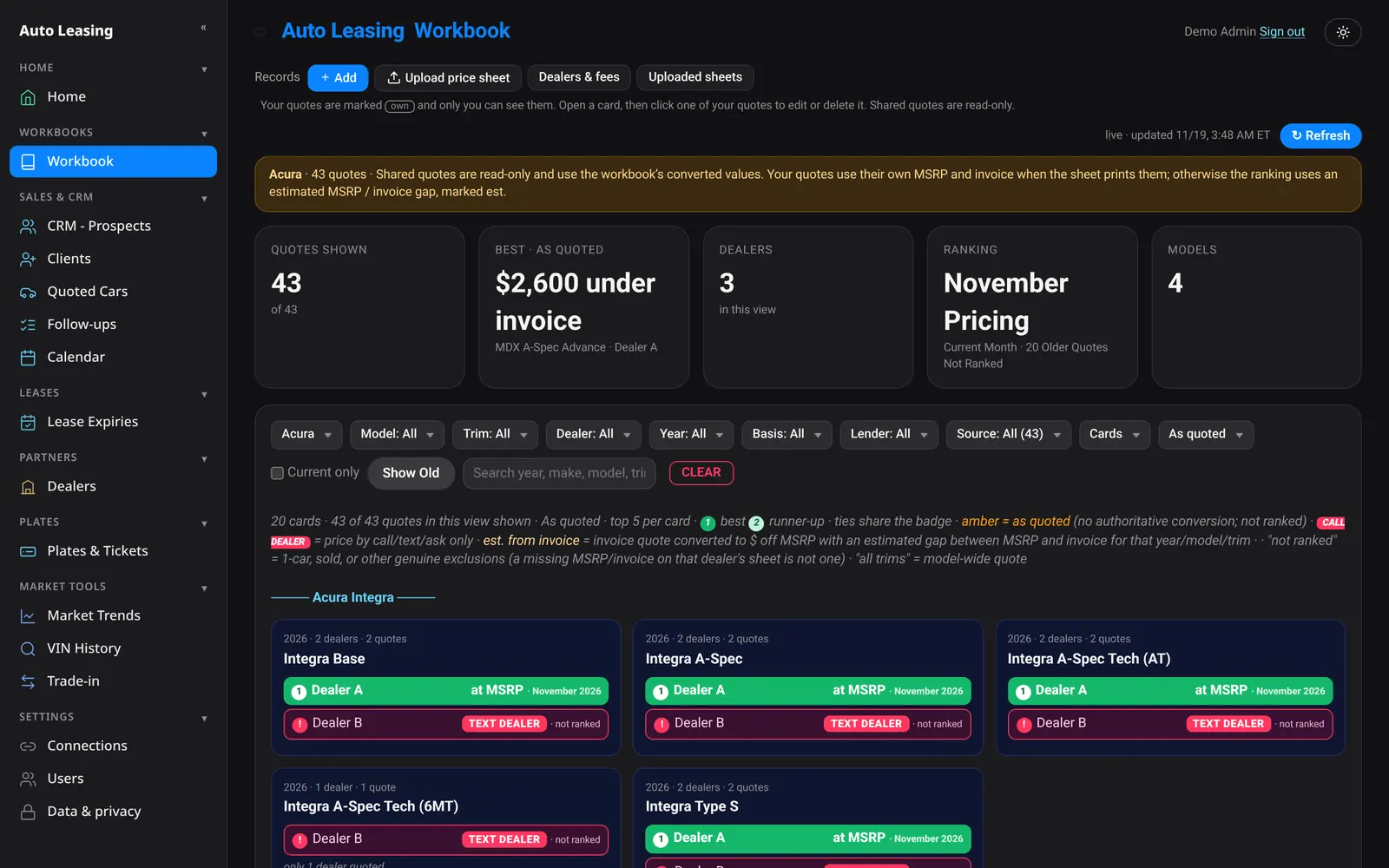
Your dealers' pricing, ranked.
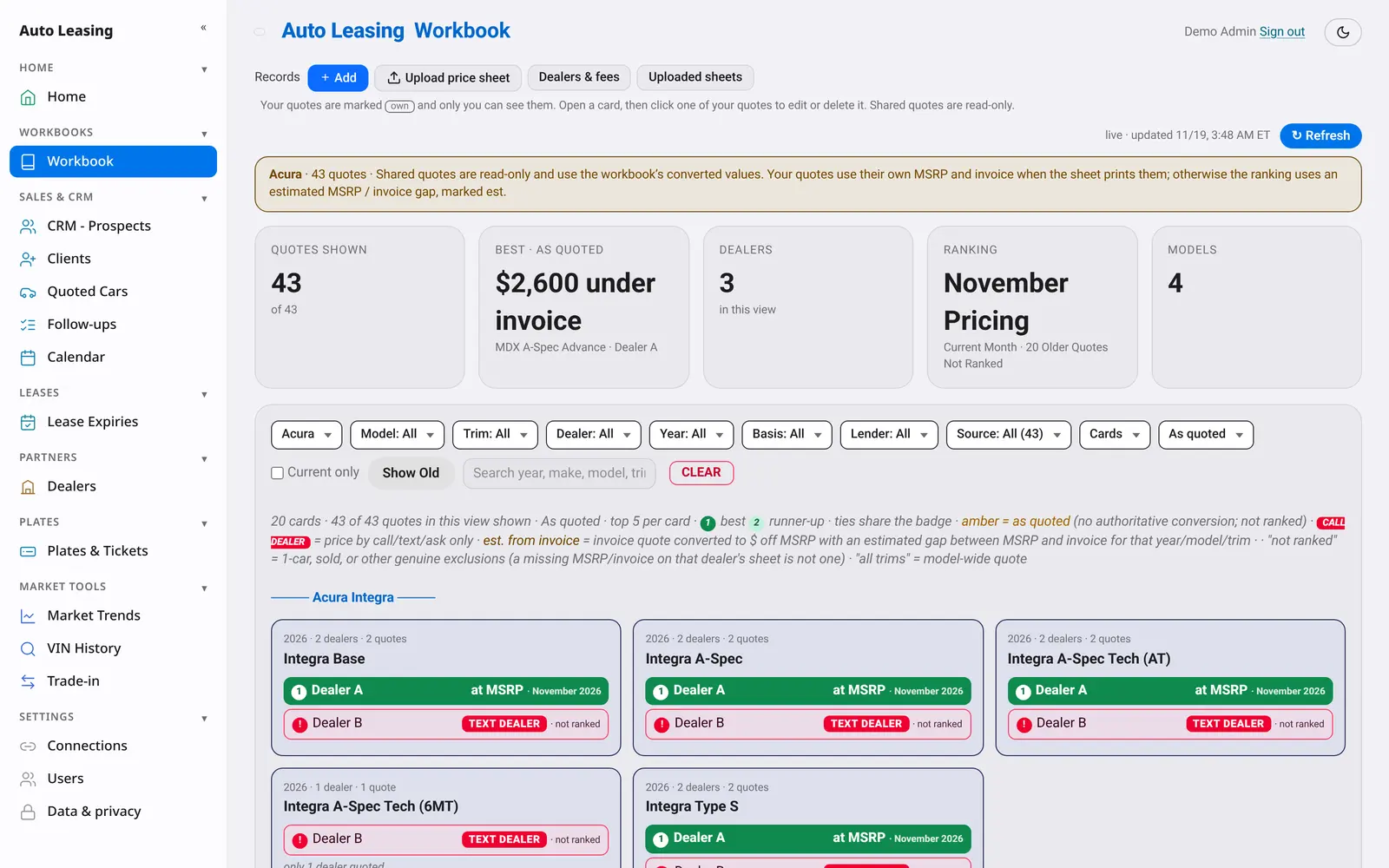
Upload a dealer's monthly price sheet and Maverix Desk reads it, checks it and ranks the best price per model across every dealer you work with.
- Reads PDF and free-text price sheets; prices are read, never invented
- Make, model and trim checked against each brand before anything saves
- Estimates are clearly marked, and flagged rows wait for your review
- See all, your own, or shared workbooks, and what changed since last month
- Dealers and fees in one list, including doc fees
CRM
Built for leasing, not adapted to it.
Prospects, clients, quotes, follow-ups and lease expiries are connected, so nothing slips between the first text and the next lease.
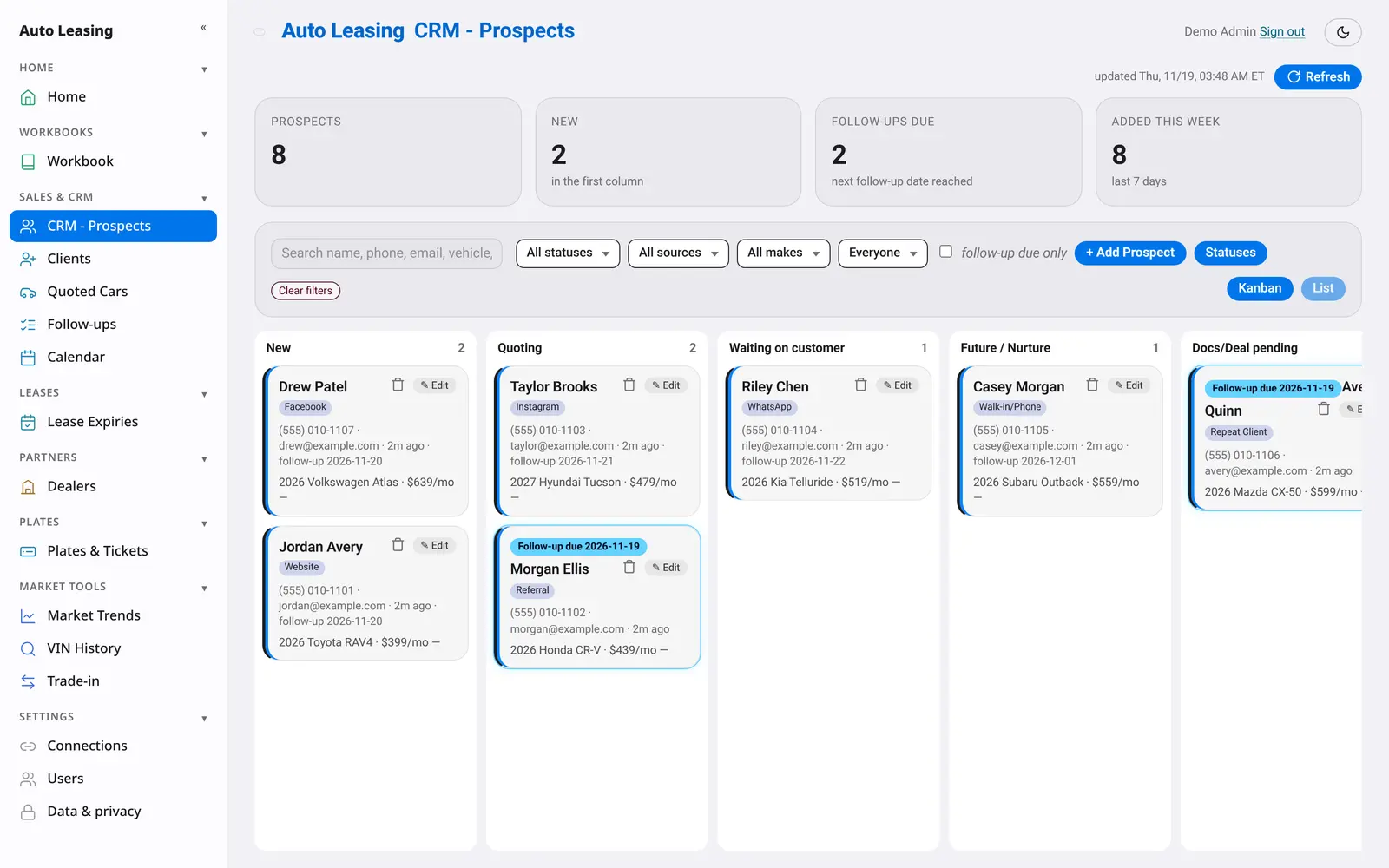
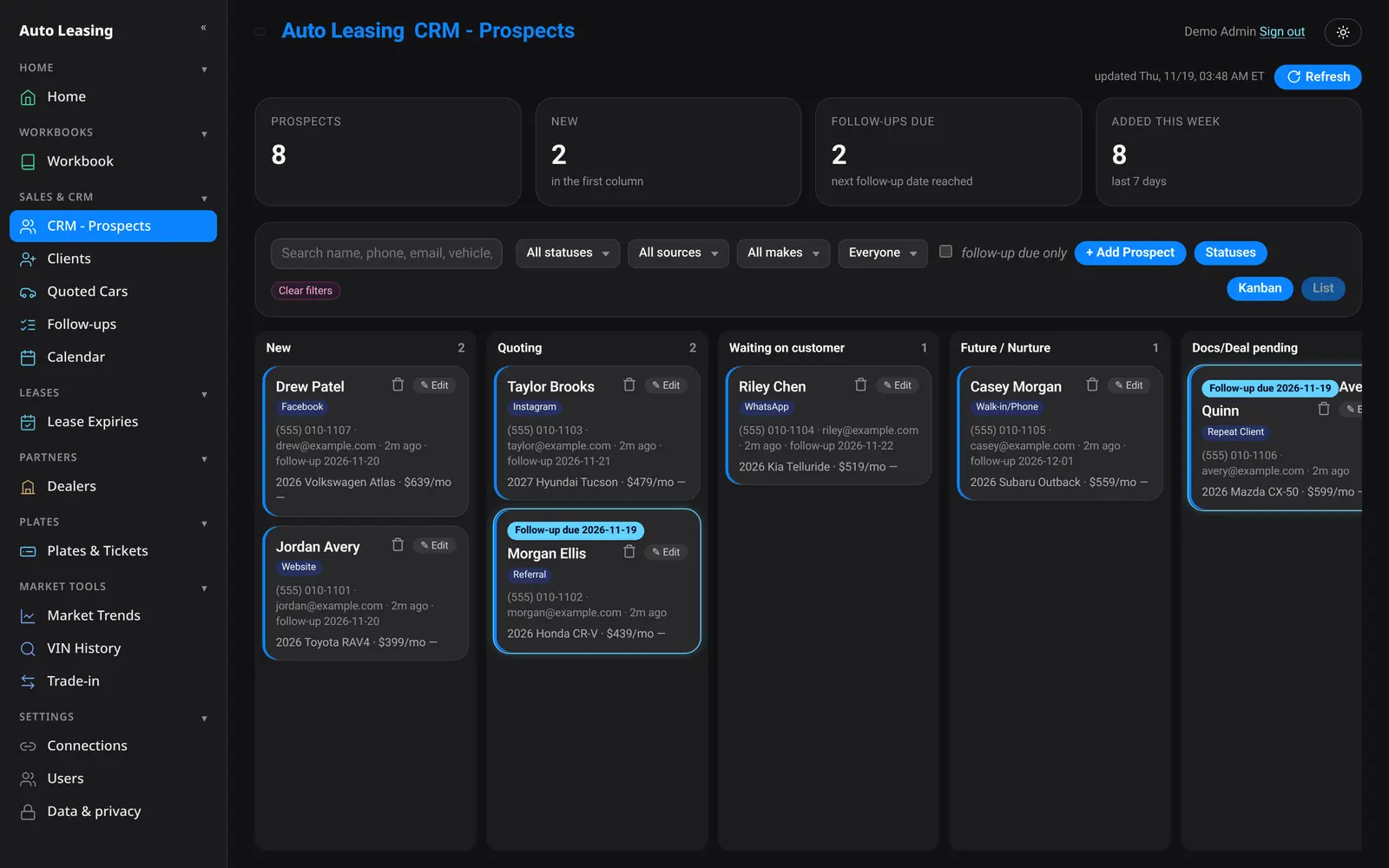
Your pipeline, your stages
Drag prospects across stages you name and order yourself. Filter by source, make or follow-up due, and convert a prospect into a client in one step.
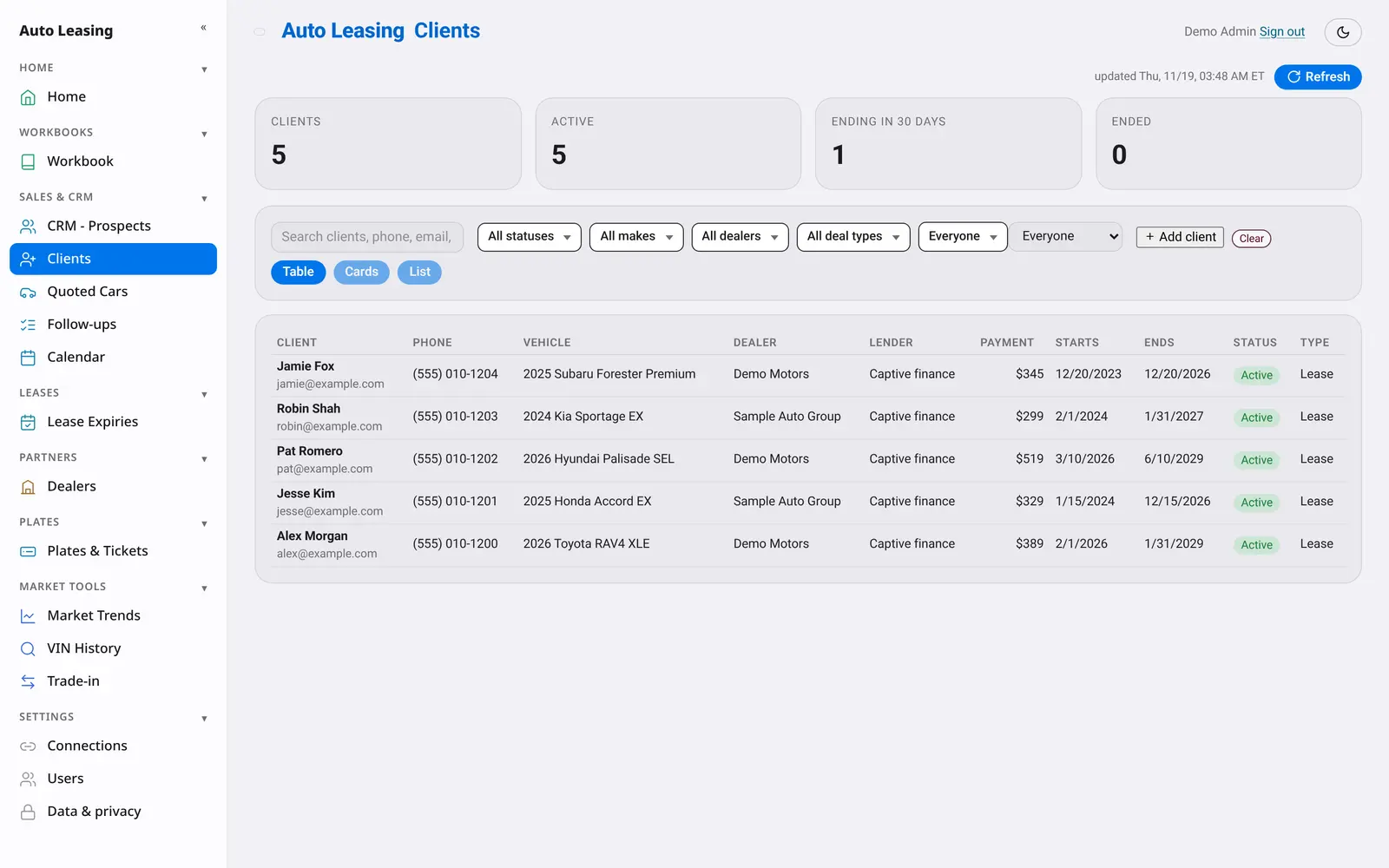
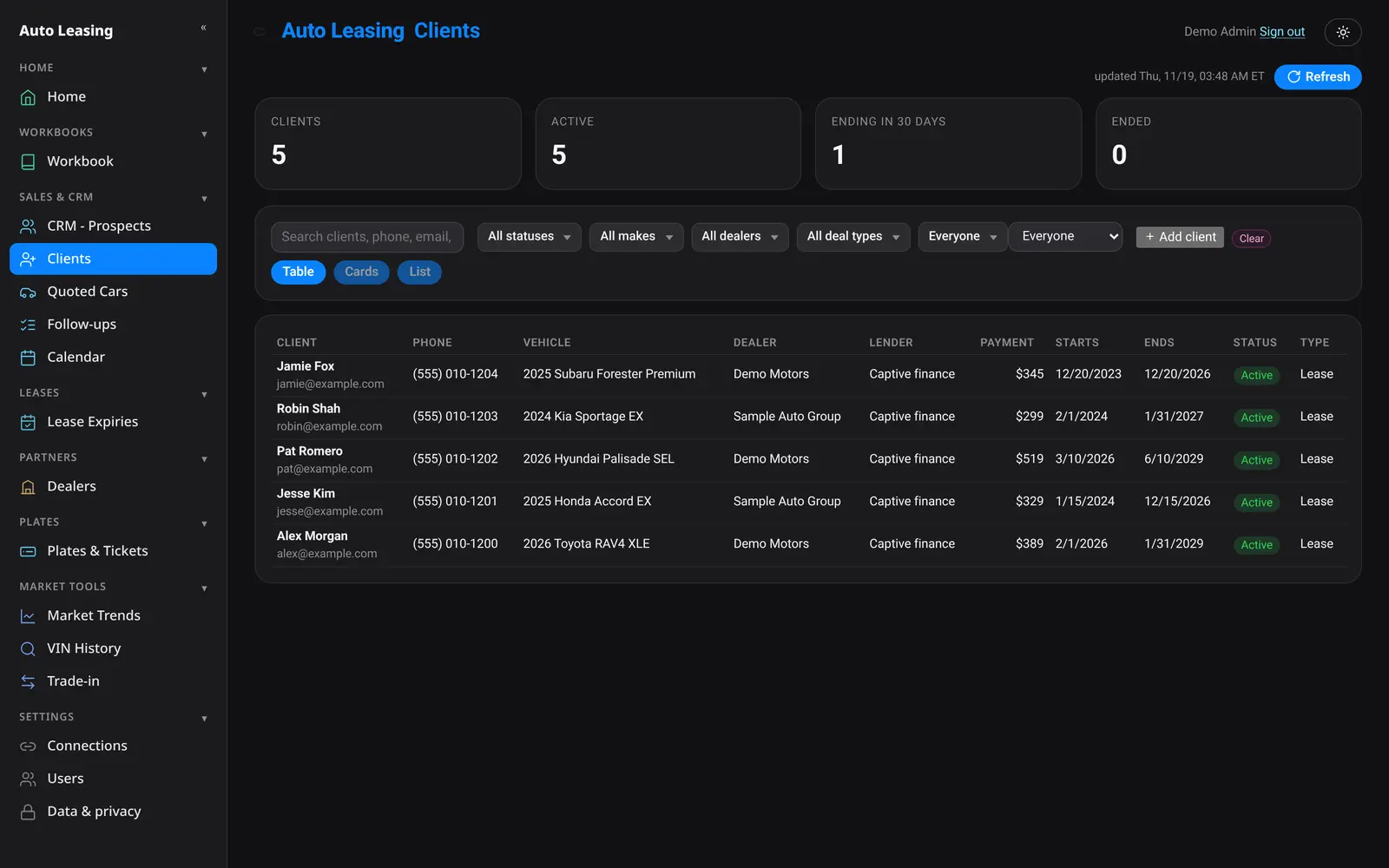
Clients and every lease date
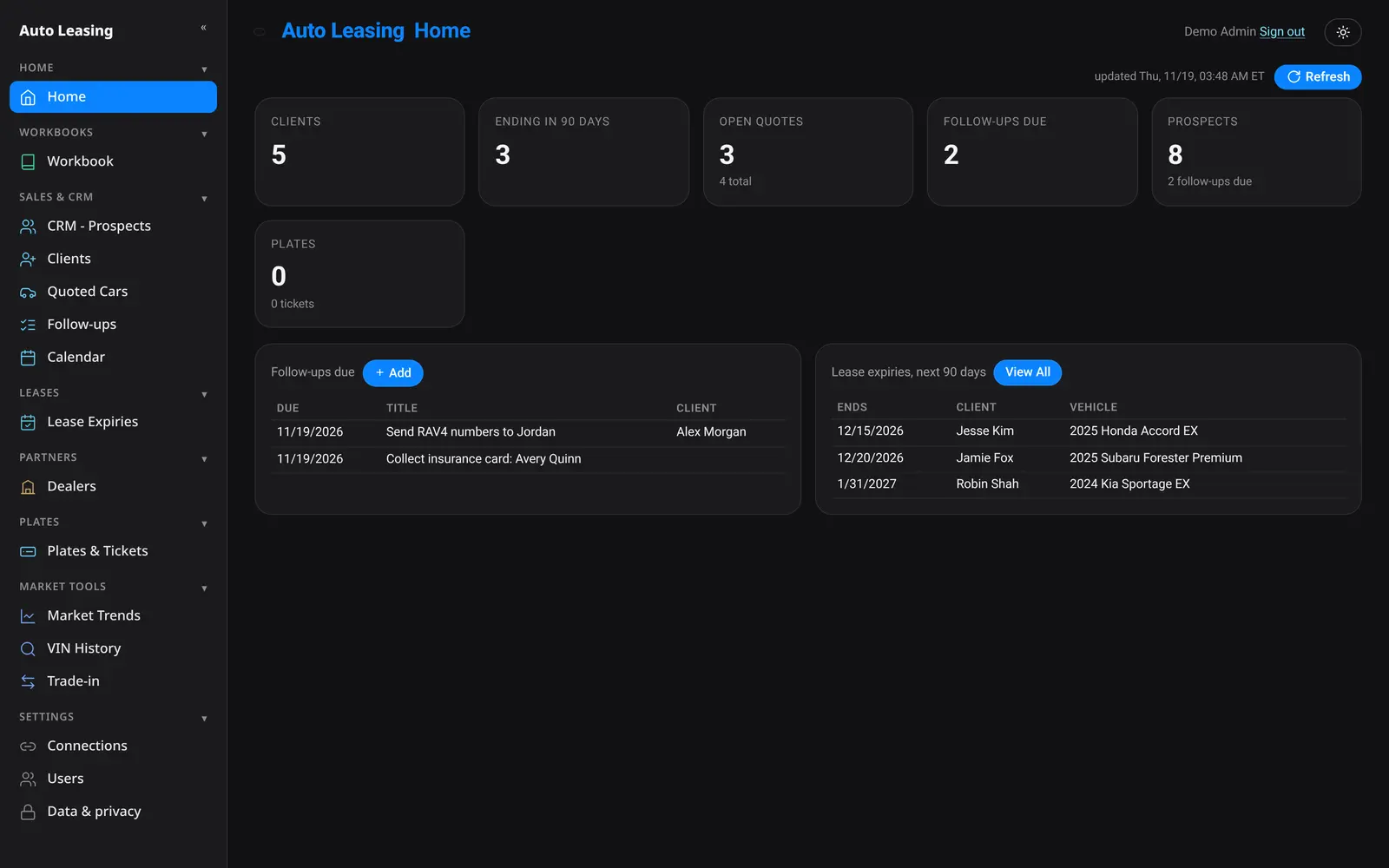
Every client's car, dealer, lender, payment and lease dates, with expiries coming up in 30 and 90 days surfaced on Home.
Financials per deal
Collected, paid to the dealer, expenses, profit and commission on every client. Admins see the whole company; agents see only their own deals.
Add a client from a deal PDF
Drop in the deal package and the fields fill in where the PDF clearly labels them. Anything uncertain is flagged before you can add it.
Follow-ups and calendar
Follow-ups, deliveries and calls in one calendar, with what is due today on your Home screen.
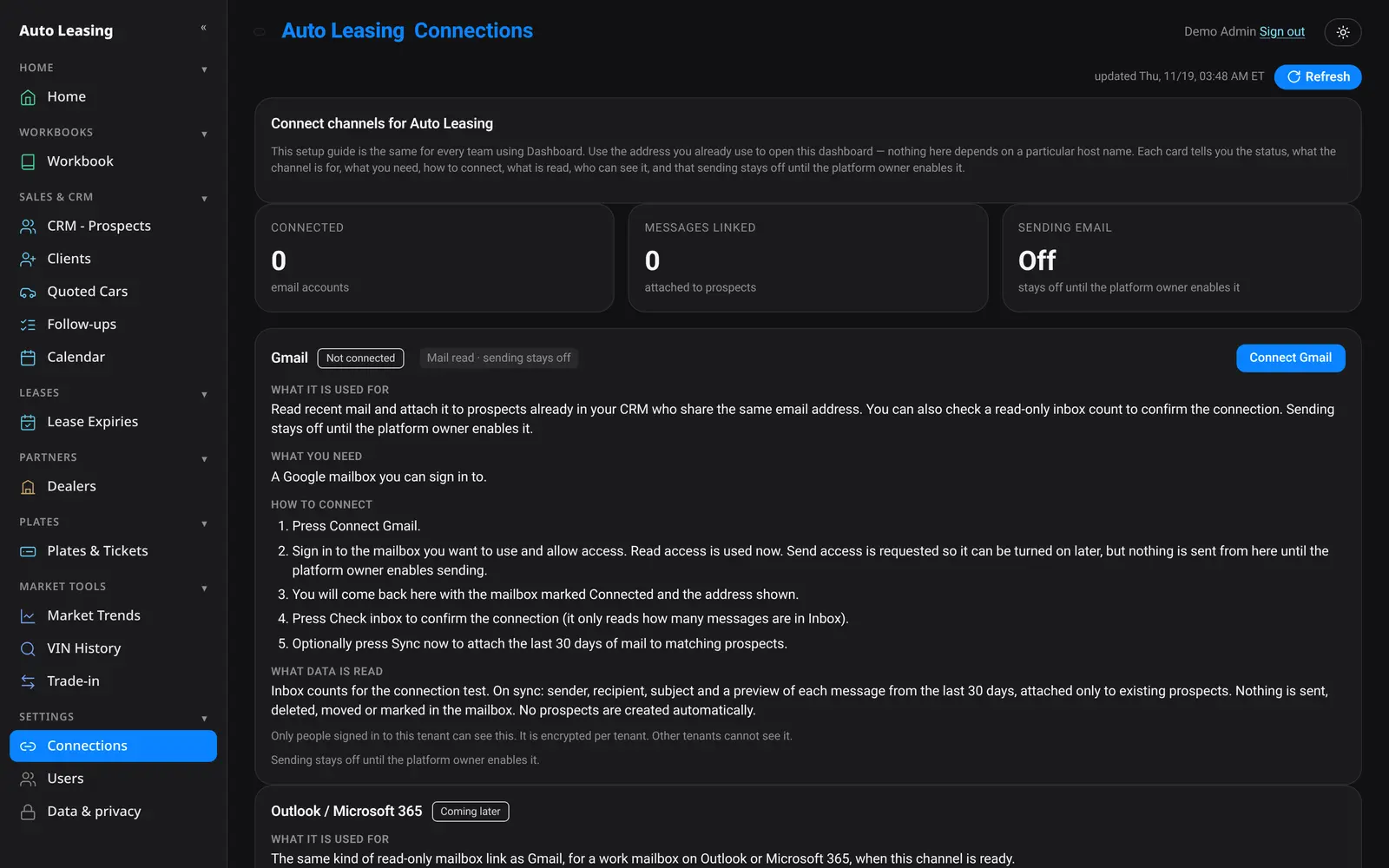
Connections
Every conversation, on the right record.
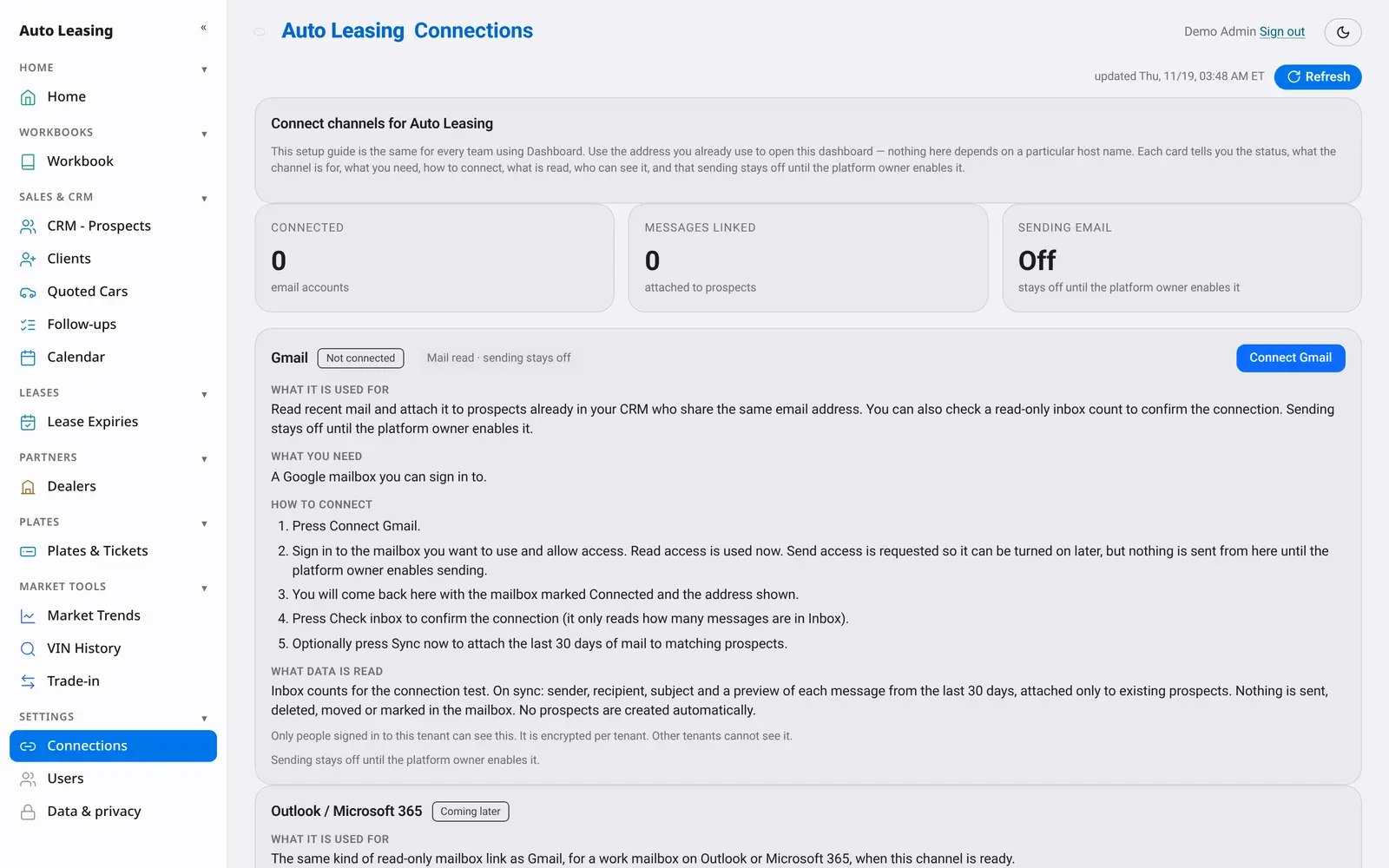
Connect your Gmail, WhatsApp and iMessage, and messages attach to the prospects and clients you already have. Nothing new gets created behind your back.
- Gmail: sign in with Google, then sync recent mail to matching prospects
- WhatsApp: link your number by scanning a QR code
- iMessage: connect the Mac you already text from
- Each company’s messages are visible only to that company
- You decide when sending is switched on
Everything else in the box
The tools brokers reach for every day.
Quoted Cars
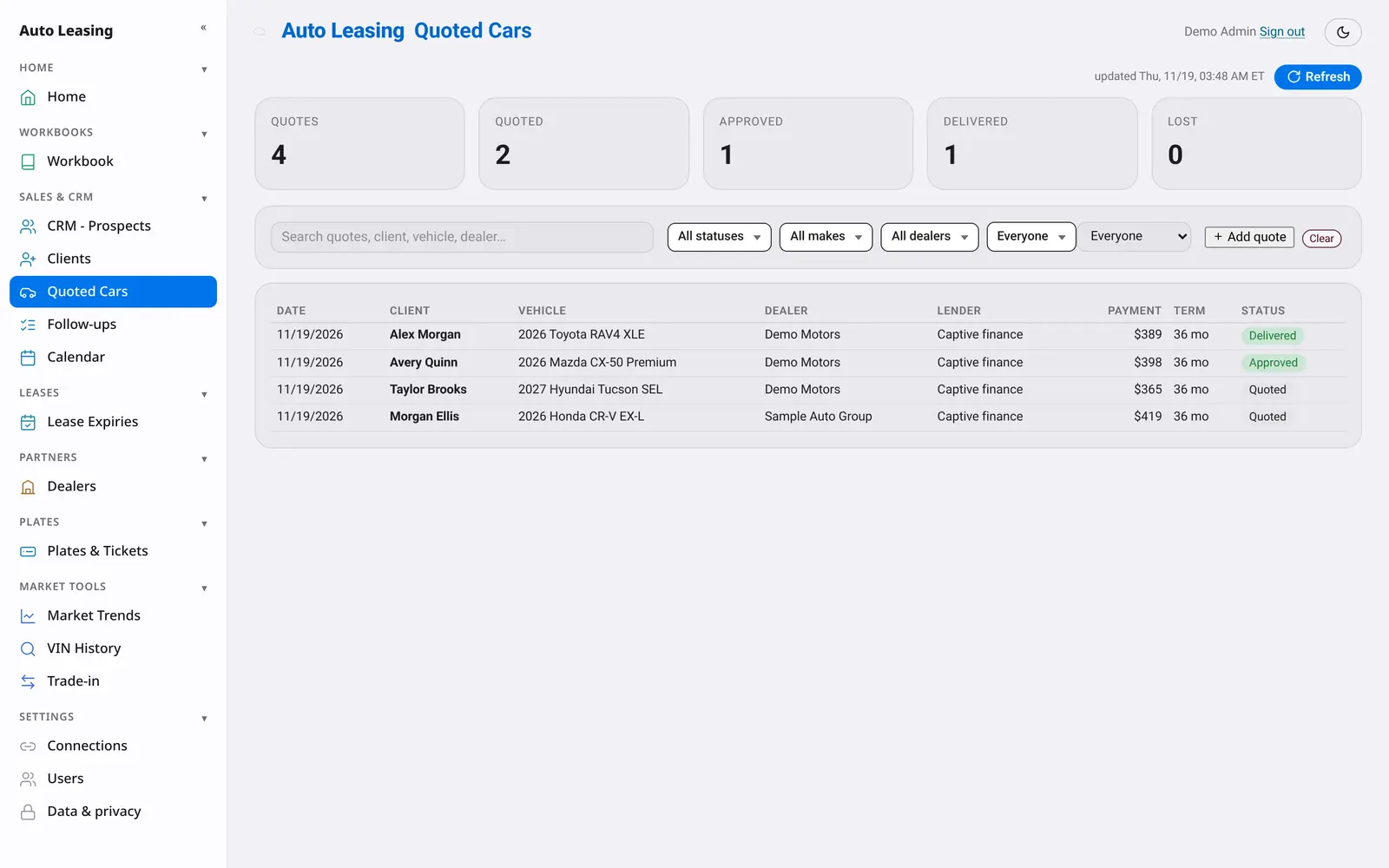
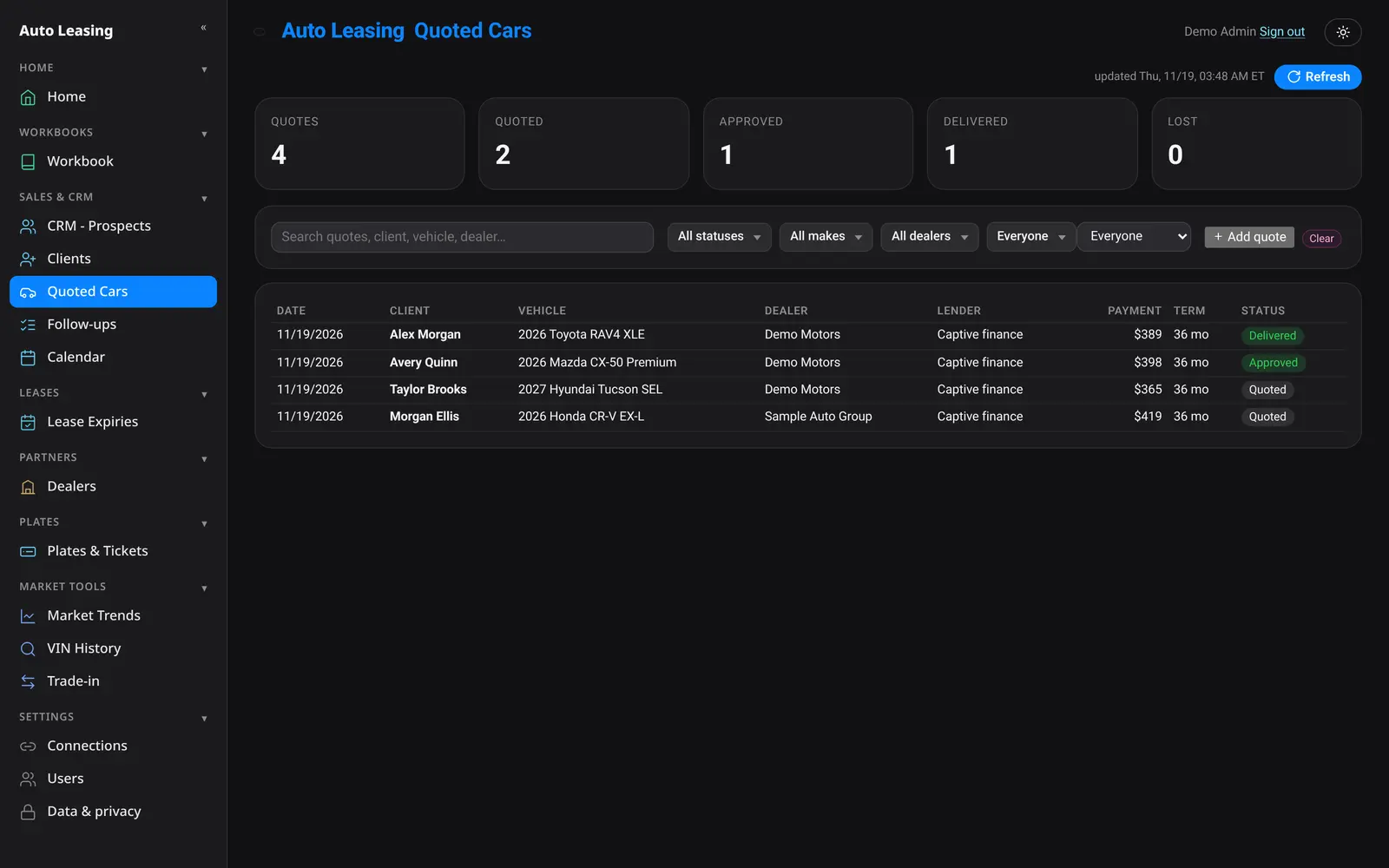
Every quote you send, by client, dealer, lender and status, from quoted to delivered.
Plates and tickets
Keep client plates on file and see tickets and penalties before they grow.
Market trends
Pick a make and model, a ZIP code and a radius to see the local market for what you sell.
VIN history
Look up a VIN’s history from inside the dashboard.
Trade-in
Enter a VIN, miles and ZIP code for a quick trade-in estimate.
Users and roles
Give every teammate a sign-in. Admins and agents see what their role allows.
Your brand
Your company. Your name on it.
Maverix Desk runs under your company name and logo, with your team signing in to your own space. Every company is walled off from every other.
- Your logo and company name across the dashboard
- Your team signs in to your company’s own space
- Each company’s prospects, clients and files stay separate
Security and privacy
Your clients are yours.
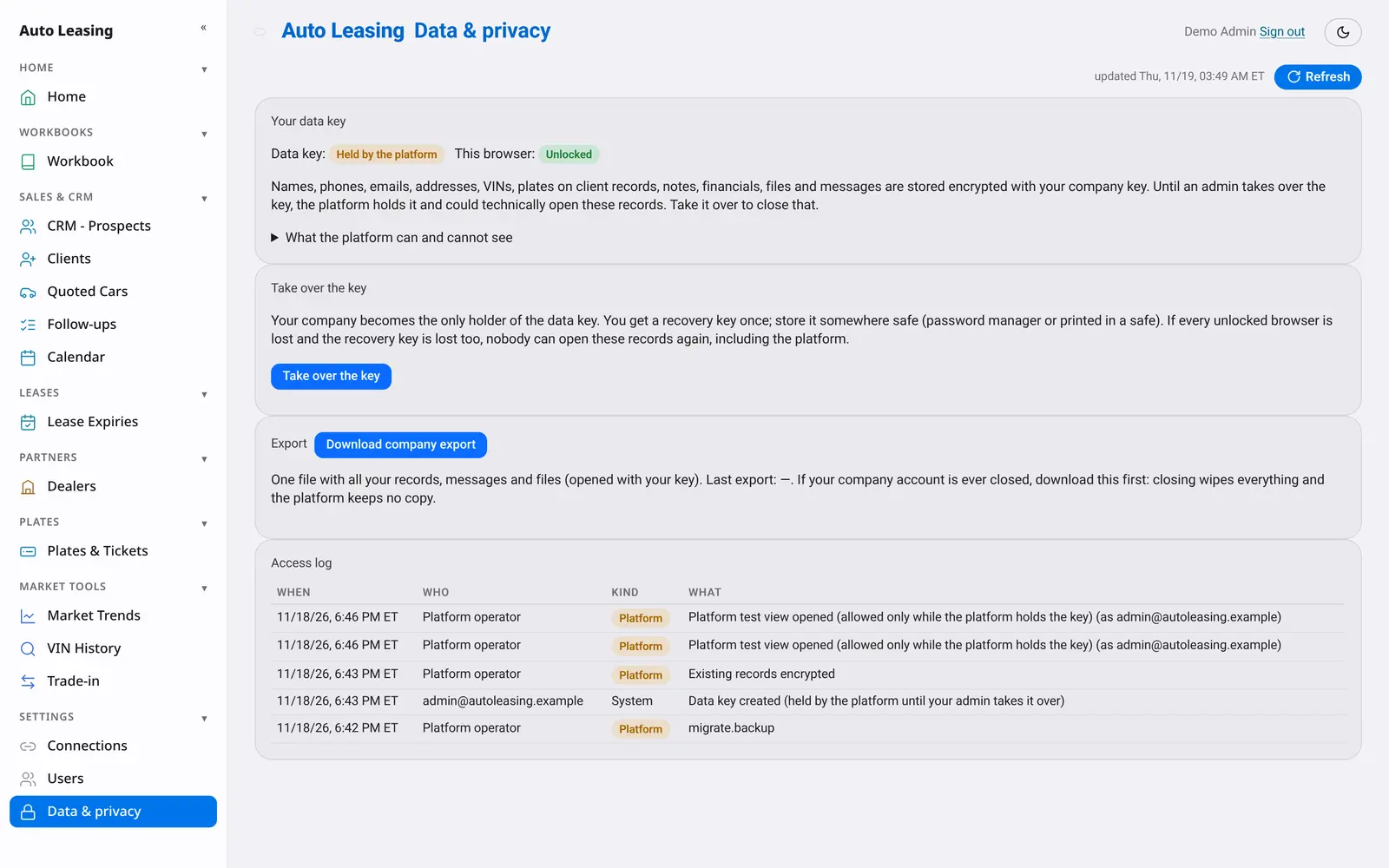
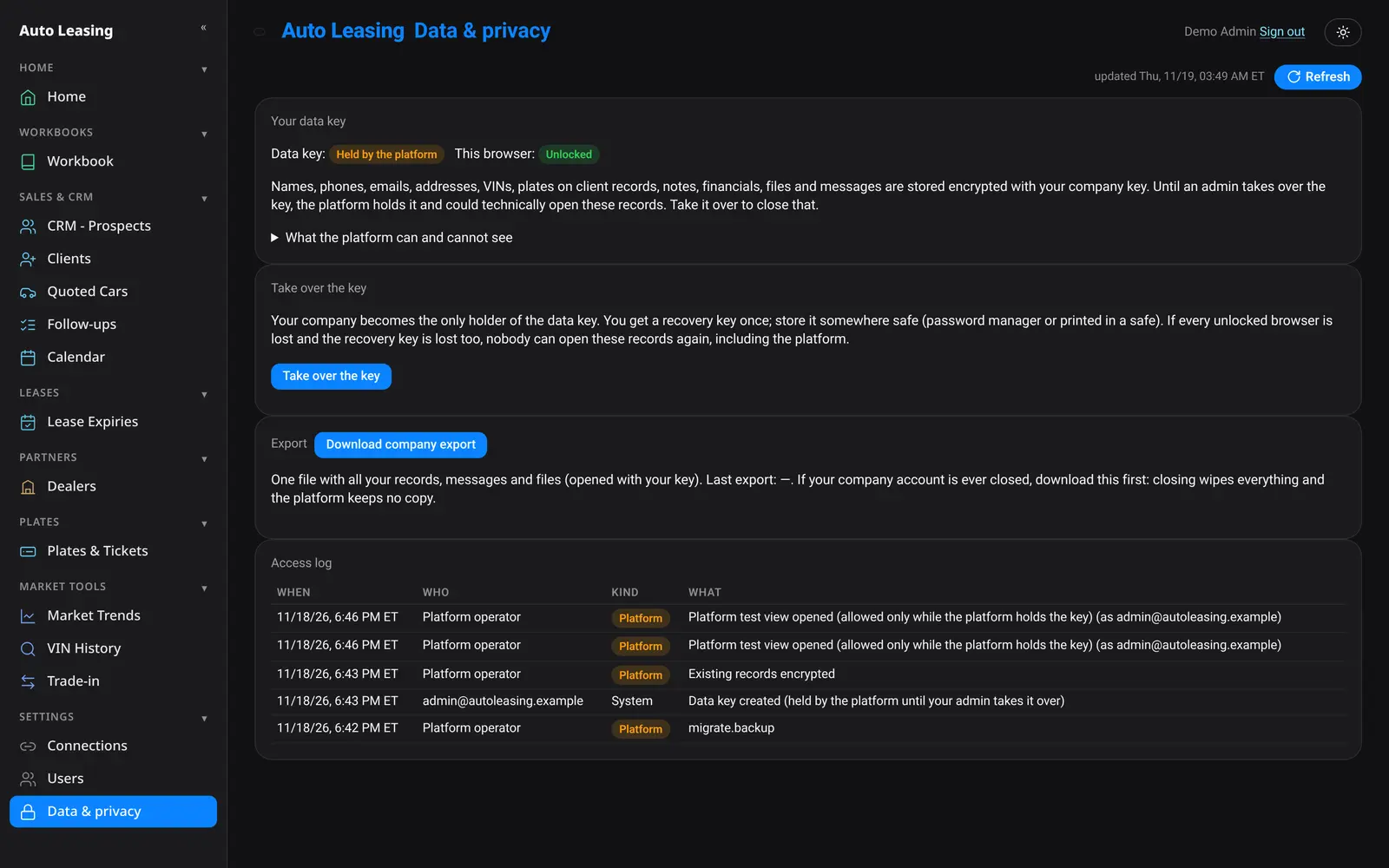
Client names, phones, emails, addresses, VINs, notes, financials, quote prices, files and messages are stored encrypted with your company's own key. Until your admin takes over the key, the platform holds a copy, and every look is logged where you can see it.
Take over your key
Your admin can take over the company key. After that, only your browsers and your one-time recovery key can open your records.
Access log
See every time your data was opened, and by whom, in Settings under Data and privacy.
Walled off by company
No company can see another company’s records, and the platform team has no screen into them.
Export, then wipe
If you ever leave, download everything first. Closing your account wipes your records with no copy kept.
Fast by design
No waiting on the desk.
Speed measured on the Matrix preview in a desktop browser, November 2026.
How it works
Up and running, with help.
Book a demo
We walk you through Matrix, Workbooks and the CRM on a live screen.
Set up your company
Your name, logo, users and the dealers you work with.
Bring your pricing
Upload dealer price sheets and connect Gmail, WhatsApp or iMessage.
Quote and close
Work deals in seconds and follow every prospect through to the next lease.
A closer look
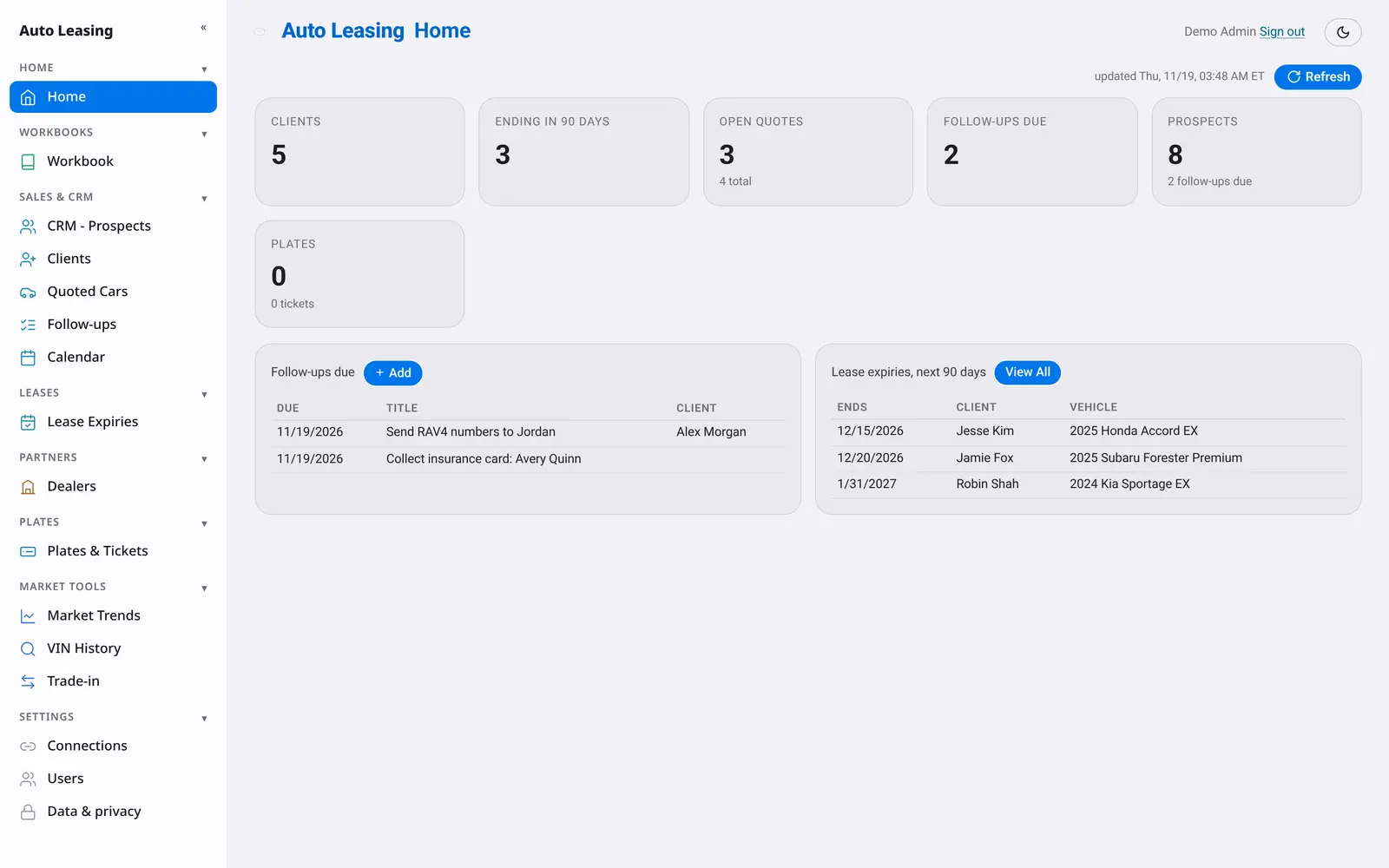
Clean on every screen.
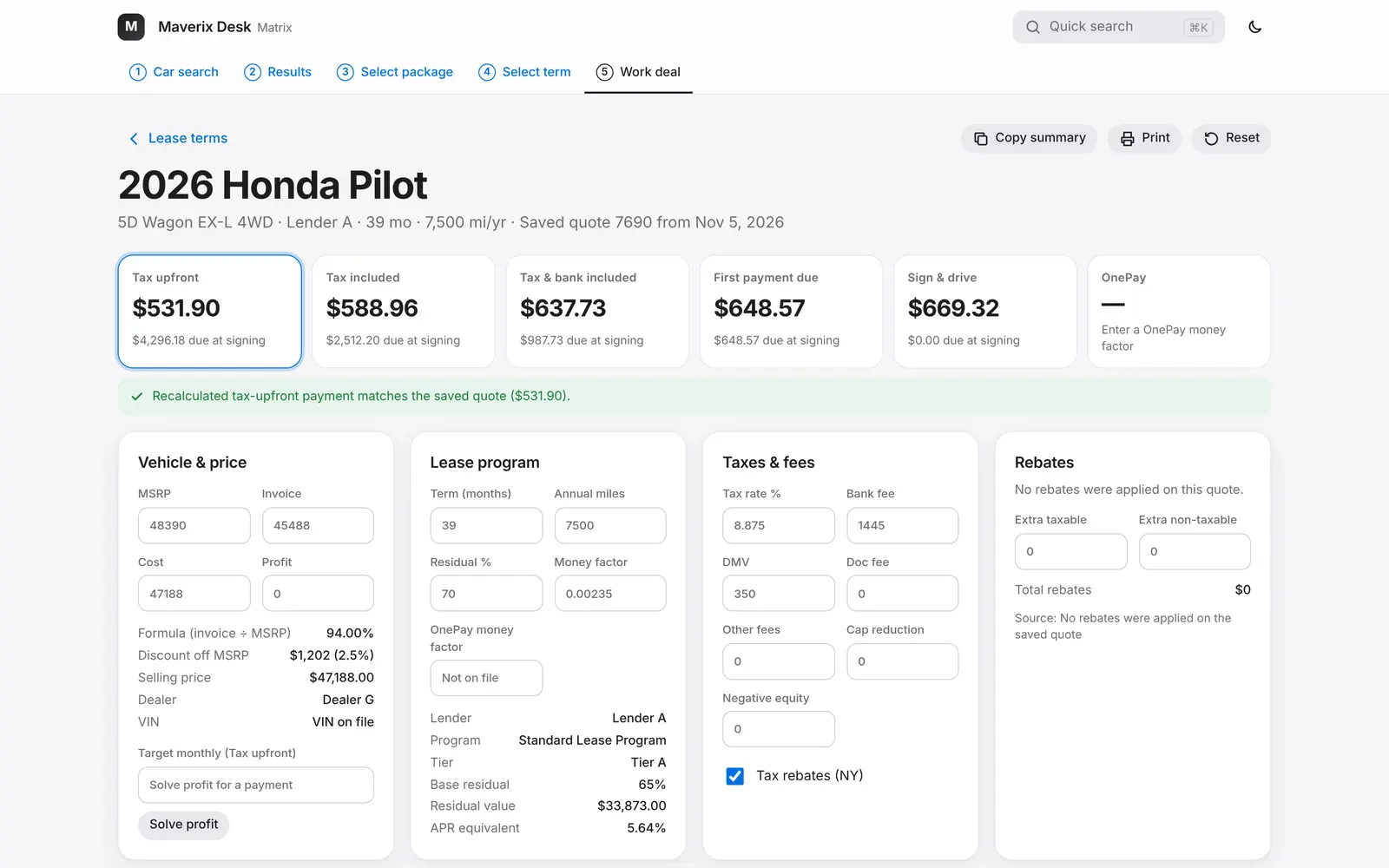
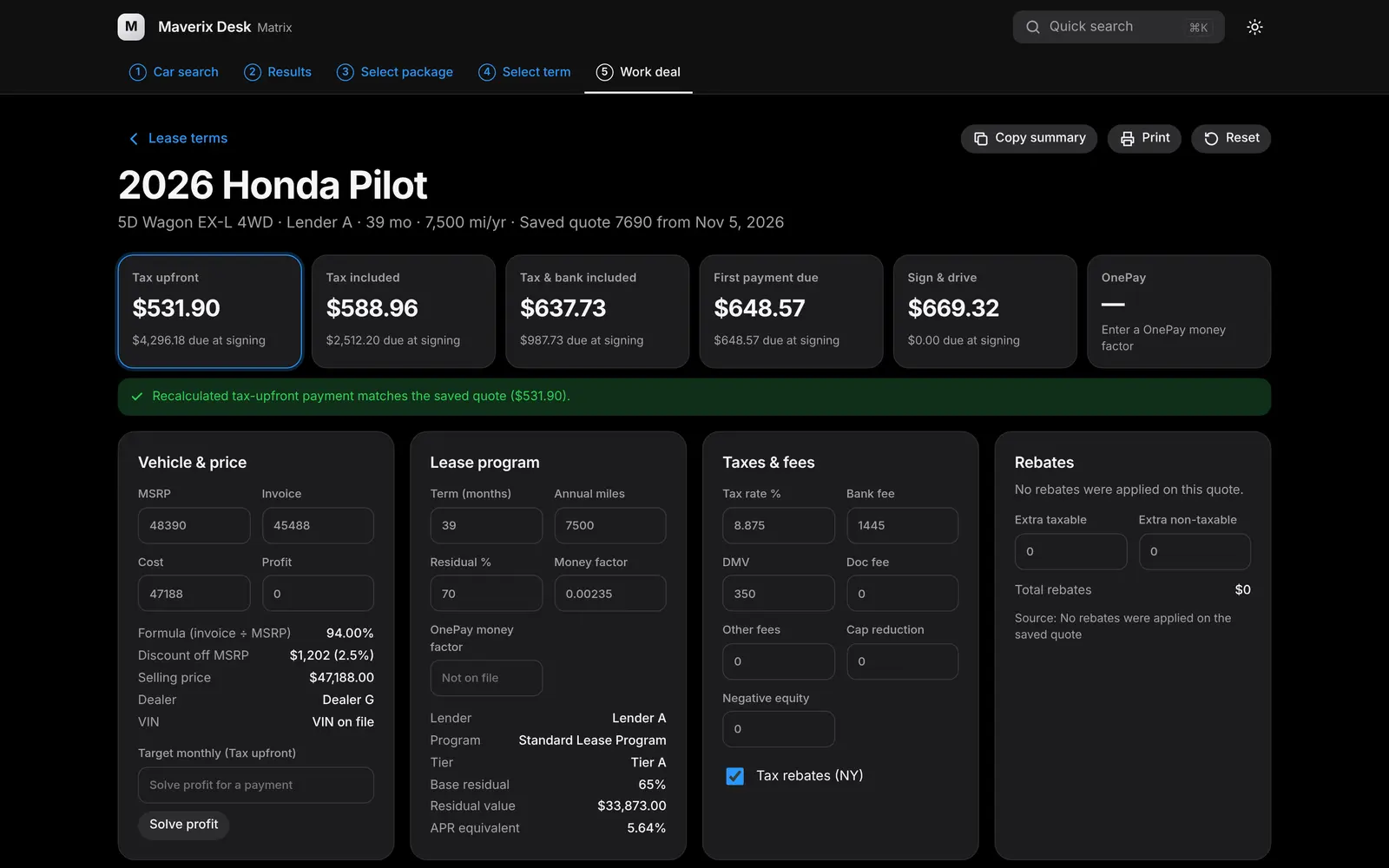
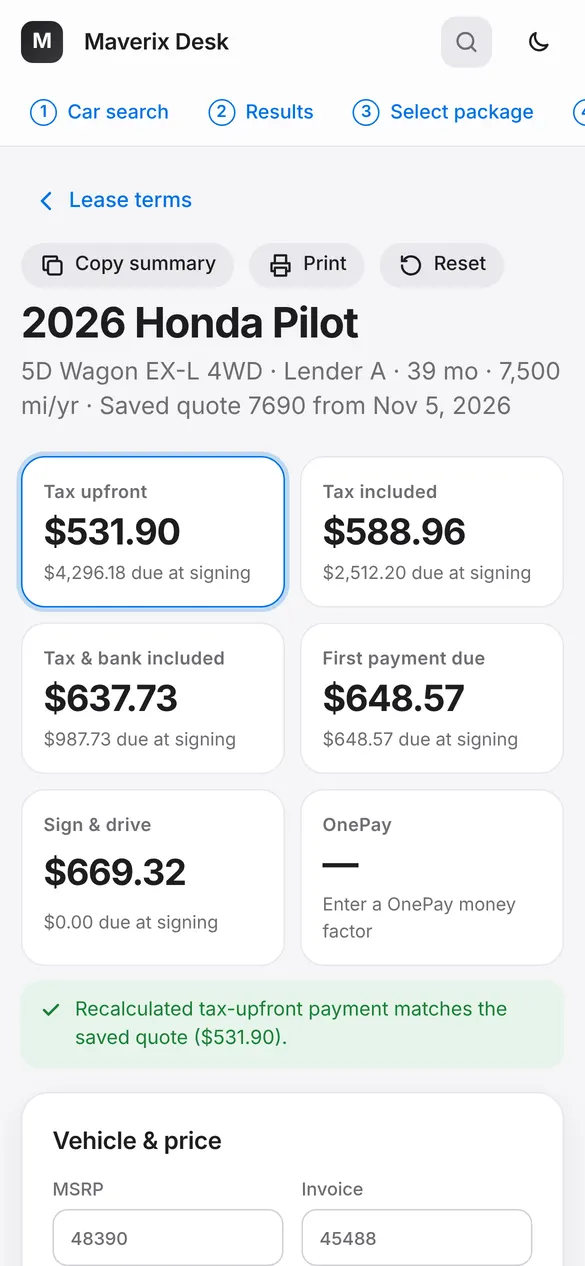
Light or dark, desktop or phone. The screenshots below are from the product with sample records.
FAQ
Questions brokers ask.
How often are rates and residuals updated?
Within 48 business hours of the manufacturer publishing the programs.
What if there is an enhancement mid-month?
We provide mid-month updates too. Allow up to 48 hours for changes.
How is this different from a lease calculator?
A lease calculator only has rates and residuals. Maverix Desk has cars loaded with MSRP, invoice and rebates, your dealers' own pricing, and a CRM, so you can price a car and follow up in one place.
Do you offer a CRM?
Yes. Prospects with your own stages, clients with lease dates and financials, quoted cars, follow-ups, a calendar and lease expiries are all built in.
Can I use it on my phone?
Yes. Matrix and the dashboard are built for desktop and phone, in light or dark mode.
Can my team share it?
Each teammate gets their own sign-in. Admins see the whole company, and agents see what their role allows.
Who can see my clients?
Your company. Client records are encrypted with your company key, every access is logged where you can see it, and your admin can take over the key so only your team can open them.
How much does it cost?
Book a demo and we will walk you through the plans that fit your team.
Contact
Let's get you set up.
Book a demo or send us a question. We reply by email or phone, whichever you prefer.